RayWaves
A downloadable tool for Windows
RayWaves Game Engine - User Guide
Welcome to RayWaves Game Engine! This is a powerful 2D game development platform that combines a visual editor with hot-reloadable game logic, perfect for rapid game development and prototyping.
Step 1: Set Up Your Development Environment
- Open Visual Studio Code
- Open the engine directory in VS Code (File → Open Folder → Select your engine folder)
- Open the integrated terminal by pressing
Ctrl +(backtick) or going to Terminal → New Terminal
Step 2: Launch the Engine
In the VS Code terminal, type:
./editor.exe
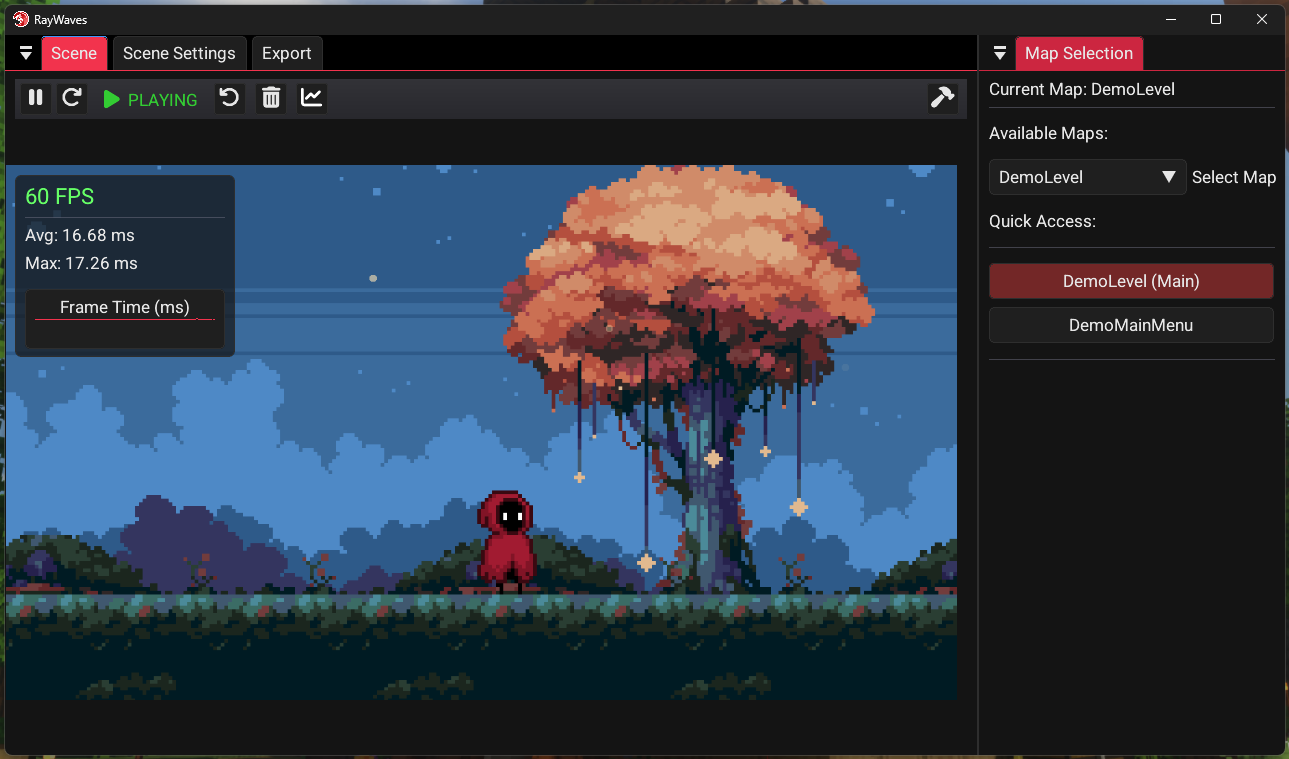
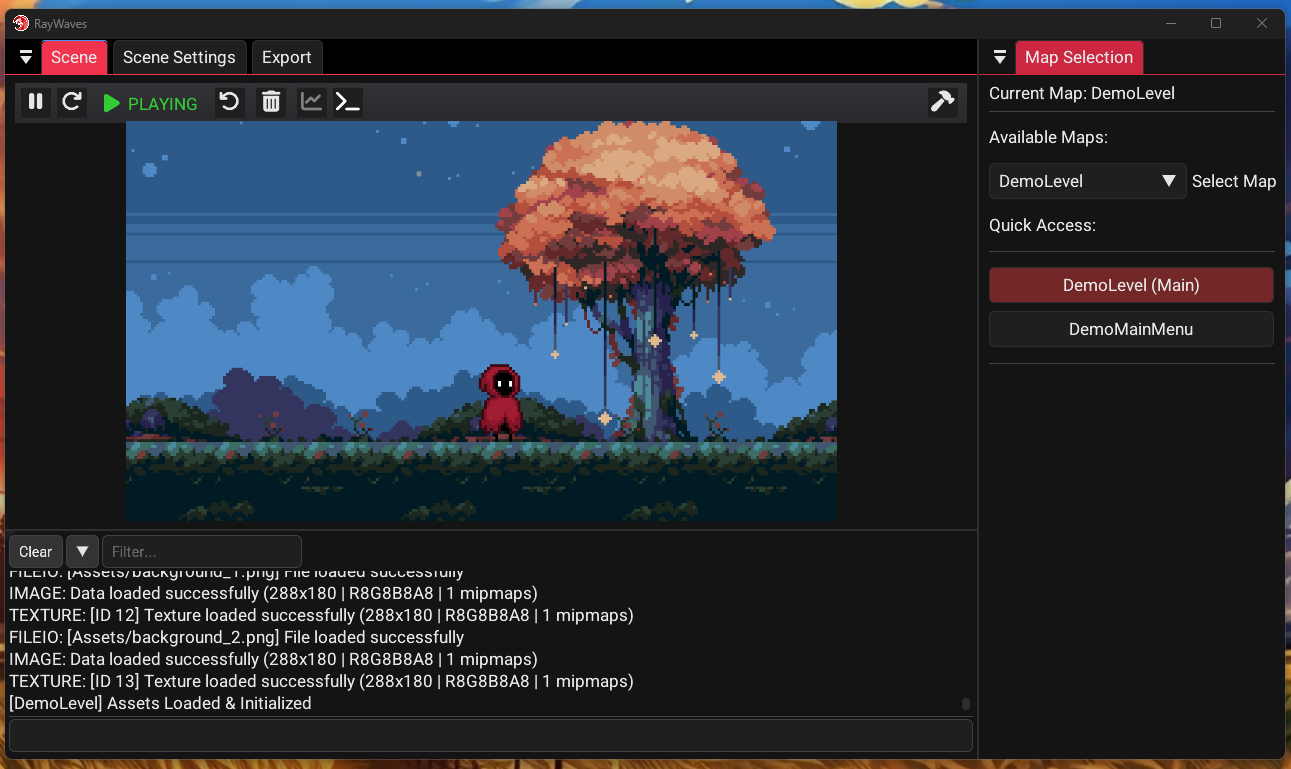
That's it! The RayWaves engine editor will launch with:
- Scene View: Real-time preview of your game world
- Control Panel: Play, pause, restart, and compilation controls
- Map Selector: Switch between different game levels
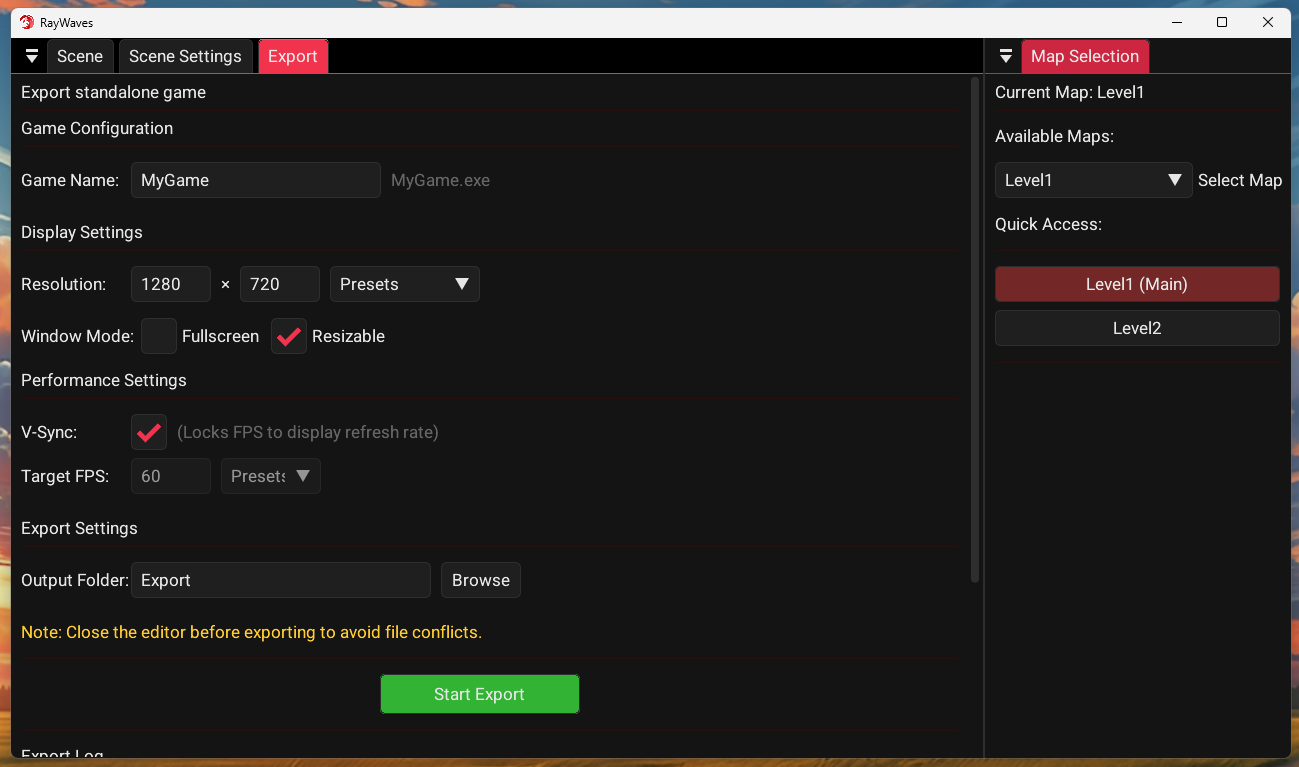
- Settings Panel: Adjust scene resolution and export options
To See the Full Documentation:
Download
Install instructions
You need to have Visual Studio Installed to build games using the engine

Leave a comment
Log in with itch.io to leave a comment.